Official Windows download

Your Stage 1 engine starts here.

Download the published Stage1Files archive, install it on your licensed PC and follow the activation steps.

Stage1Files for Windows

Official ZIP archive containing the Stage1files installer.

Published installer version
2026.9.13.10
Archive size
160.7 MiB
Platform
Windows desktop
File verified
2026-09-14
Download Stage1Files ZIP

Installer version is read from the published file. The application may offer newer software updates after installation. A separate release date is not published.

Digitally signed installer: ALLCHIPTUNINGFILES LLC. Authenticode signature verified as valid when the archive was checked.

Verify the SHA-256 checksum

Compare the hash of your downloaded ZIP with this value. This identifies the exact archive supplied here.

c0ef2e63a67d0ba3f7fc745a3e652a3b2575237059c6bbc1114c650fd7af5921

On Windows PowerShell, run:

Get-FileHash .\stage1files.zip -Algorithm SHA256

Before you install.

Use a physical Windows PC. Virtual Windows environments are unsupported, and remote-desktop software can prevent the application from running.

The license is tied to one computer. Choose the machine you intend to use for work and contact Support before a hardware transfer.

A minimum Windows version, memory specification and storage requirement are not published. Ask the team about your machine if compatibility is uncertain.


Check a system requirement

Already have the software?

Check the application for updates, your remaining daily allowance and license expiry. Use Extend Subscription to renew annual access.

Updates and access notices

Your first launch

Download. Extract. Activate.

01

Extract the archive

Save the ZIP and extract its contents into a folder.

02

Run the installer

Open Stage1files.exe and follow the installation prompts.

03

Use your code

Purchase a registration code and retrieve it from your email.

04

Sign in and begin

Complete registration and check your first eligible file.

Complete installation and activation guide

Inside the desktop application

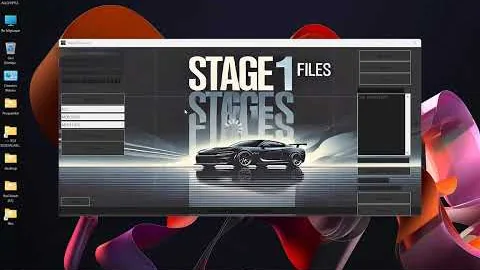
Stage 1 Files Trailer · application walkthrough